
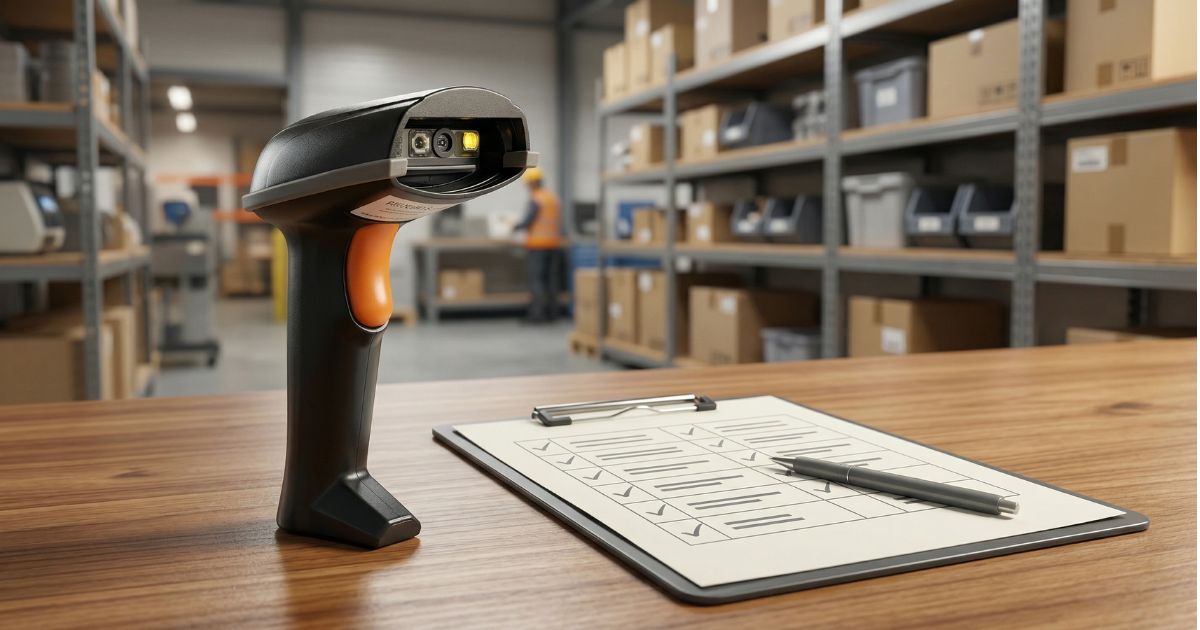
How to Choose a Barcode Scanner: The Complete Buyer's Checklist
How to Choose a Barcode Scanner: The Buyer's Checklist You Actually Need
A mid-sized distribution company once ordered fifty handheld scanners for their new warehouse. The devices arrived, the team unboxed them, and within a week they were gathering dust in a corner. The problem wasn't the scanners themselves — the problem was that nobody had asked the right questions before placing the order. The warehouse ran a conveyor-based operation that needed fixed-mount readers, not handheld units. Fifty scanners, wrong application.
This guide exists so that doesn't happen to you. Choosing a barcode scanner isn't complicated, but it does require asking the right questions in the right order. Work through the five steps below and you'll arrive at a much clearer picture of what you actually need.
Step 1 — Define Your Environment
Before you look at a single product spec sheet, get clear on the physical environment your scanner will operate in. This one factor will immediately eliminate a large portion of the market.
Indoor vs. outdoor
Indoor environments are generally more forgiving. Outdoor or semi-outdoor settings — loading docks, cold storage, field operations — introduce variables that dramatically narrow your hardware options.
Temperature range
Standard commercial scanners typically operate comfortably between 0°C and 40°C. If your environment goes below freezing — cold chain, food processing, outdoor winter operations — you need hardware specifically rated for low-temperature use.
Dust, moisture, and impact
This is where IP (Ingress Protection) ratings come in. An IP54-rated device resists most dust and water splashes from any direction; IP65 is dust-tight and handles low-pressure water jets; IP67 is dust-tight and can survive brief submersion (typically up to 1 meter for 30 minutes). If your operation involves heavy dust, liquid exposure, or regular drops onto hard floors, don't compromise on IP rating.
Step 2 — Know Your Barcode Types
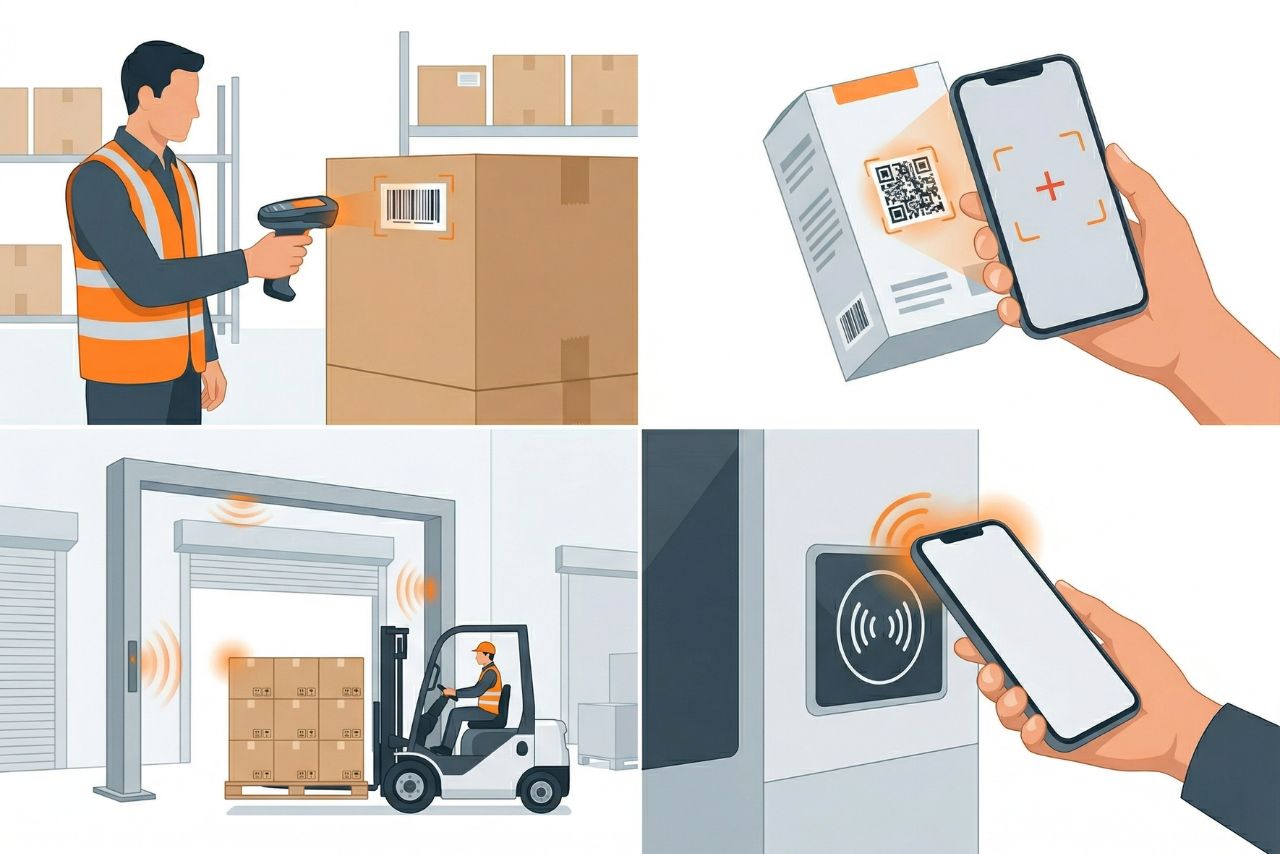
What are you actually scanning? The answer determines which scan engine you need.
- 1D barcodes
Standard linear barcodes (Code 128, EAN, UPC) are read by virtually any scanner on the market. If this is all you need, your options are wide open.
- 2D codes
QR codes and Data Matrix require an imaging sensor rather than a laser. Most modern scanners handle both, but always verify — especially with older or lower-cost hardware.
- DPM (Direct Part Marking)
Codes laser-etched or dot-peened directly onto metal or plastic surfaces. These require specialized DPM-capable imagers and are significantly harder to read than printed labels.
- Damaged or low-contrast codes
If your operation regularly encounters wrinkled, faded, or poorly printed labels, scanner decode performance under these conditions should be a key evaluation criterion.
Step 3 — Choose the Right Form Factor
- Handheld scanners
The most versatile option. Workers pick up the device, aim, and scan. Works well when items come in varying sizes and locations.
- Fixed-mount scanners
Mounted in place, scanning items as they pass on a conveyor. Ideal for high-throughput applications where automation is the goal.
- Wearable scanners
Ring-style or glove-mounted scanners that keep the operator's hands free. Popular in high-volume pick operations where speed and scan frequency are priorities.
Step 4 — Wired or Wireless?
- Corded scanners
Reliable, no battery management, lower cost. Best for fixed workstations where the operator stays in one place.
- Bluetooth
Typical range of 10–30 meters. Works well in smaller spaces where the scanner connects directly to a host device.
- Wi-Fi (802.11)
Connects directly to the enterprise network, enabling real-time data transmission across a large facility. Required when the scanner needs to communicate with a WMS in real time.
Step 5 — Think About Total Cost of Ownership
Unit price is the wrong number to optimize for. TCO over three to five years includes:
- Device purchase price
- Accessories: holsters, cradles, spare batteries, cables
- Warranty and repair costs
- Battery replacement cycles
- Software licensing, if required
- Downtime cost if a device fails during peak operations
The Buyer's Checklist
Use this before finalizing any scanner purchase decision:
| ✓ | Question to Ask | Why It Matters |
| ☐ | What is the operating environment? (indoor / outdoor / cold / dusty) | Determines IP rating and temperature specifications |
| ☐ | What barcode types need to be read? (1D / 2D / DPM) | Determines required scan engine and imager type |
| ☐ | What is the expected scan volume per shift? | Helps size the right form factor and battery capacity |
| ☐ | Does the operator need their hands free? | Points toward wearable vs. handheld form factor |
| ☐ | Fixed workstation or mobile/roaming use? | Determines corded vs. wireless requirement |
| ☐ | What connectivity does your WMS/ERP require? | Determines Bluetooth vs. Wi-Fi vs. corded |
| ☐ | What is the expected device lifespan? | Frames the TCO calculation correctly |
| ☐ | What is the warranty and repair process? | Factors into total cost of ownership |
| ☐ | Is OEM customization or branding required? | Relevant for resellers and enterprise deployments |
Ready to Find the Right Scanner?
The best barcode scanner isn't the most expensive one on the market — it's the one correctly matched to your environment, your workflow, and your budget. For application-specific recommendations by industry, head over to our Industry Solutions section.